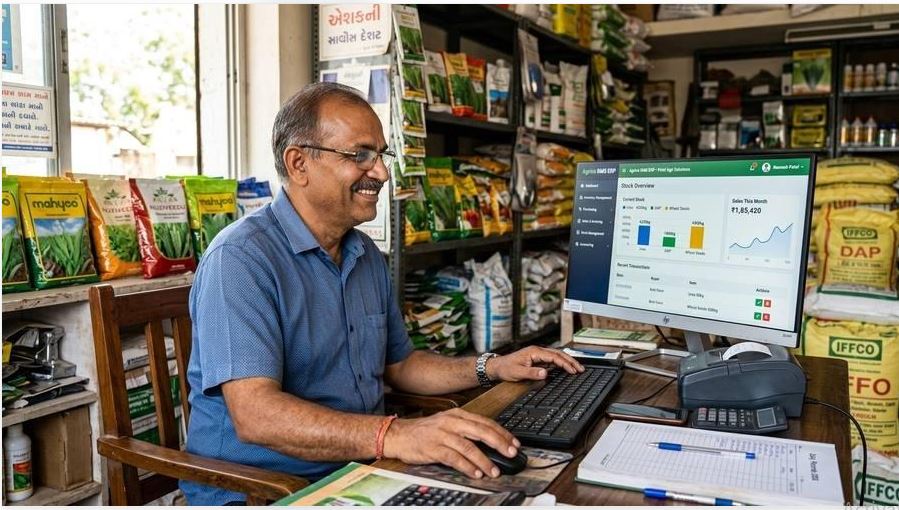
Your shop is not just a place where you sell products. It is built on customer trust.
For years, shopkeepers have maintained customer names, phone numbers, credit records, payment details and daily sales in notebooks and registers. These records are valuable because they help businesses maintain relationships with customers.
But have you ever thought about what would happen if your customer register got lost, your mobile phone stopped working or someone accessed your business information without permission?
Today, protecting business information is just as important as protecting your shop, cash and valuable products.
1. Why Is Customer Data Important for Your Shop?
Imagine that you have been running your shop for 20 years. You know hundreds of customers and remember their purchases, contact numbers and payment history.
Now imagine losing that information overnight.
You could face problems such as:
- Customer mobile numbers getting lost.
- Difficulty remembering outstanding payments.
- Missing customer enquiry records.
- Confusion in sales and payment records.
- Difficulty contacting regular customers.
Customer information is an important business asset. It deserves proper care and protection.
2. Five Common Business Data Safety Mistakes
Mistake 1: Sharing Your Password
Never share your business account password with unknown people. Give access only to trusted employees who genuinely need it.
Mistake 2: Using Weak Passwords
Passwords such as 123456 or your mobile number are easy to guess. Use a strong, unique password for your business accounts.
Mistake 3: Sharing OTPs
Never share an OTP, banking PIN, UPI PIN or password with anyone claiming to be a company representative or customer support agent.
Mistake 4: Not Keeping Backups
If your computer or mobile phone gets damaged, your business records may become difficult to recover. Maintain regular backups using a secure method.
Mistake 5: Giving Everyone Full Access
Not every employee needs access to all customer and business information. Give employees only the access required for their work, wherever your software supports these controls.
3. How Can You Protect Your Shop's Digital Records?
You do not need to be a computer expert to follow basic business safety practices.
- Use a strong password that is difficult to guess.
- Never share your OTP or account login details.
- Lock your computer and mobile phone when not in use.
- Use trusted devices and updated software.
- Avoid opening unknown links and suspicious attachments.
- Keep regular backups of important business records.
- Review who has access to your customer information.
- Check your account activity and report anything suspicious.
4. Can CRM Software Help Protect Business Information?
CRM stands for Customer Relationship Management. It is software that helps businesses organize customer information, enquiries, sales activities and follow-ups.
Instead of depending entirely on scattered notebooks, paper registers or different mobile phones, a CRM system can help keep business records organized.
However, remember one important thing: using CRM software alone does not guarantee complete data security. Security also depends on the software's actual protection features, correct configuration, strong passwords and responsible use.
5. What Should Shopkeepers Check Before Choosing a CRM?
Before selecting any CRM software, ask these important questions:
- Does the company explain how customer information is protected?
- Is the website using HTTPS?
- Can I use a strong password?
- Does the system offer suitable employee access controls?
- Are backup and data recovery arrangements explained?
- Can I contact the company for technical support?
- Are the privacy policy and terms of service available?
Do not choose software only because it looks attractive or has a low price. Understand its features and security arrangements first.
6. Why Consider BestCRM for Your Business?
BestCRM is a CRM solution for businesses that want to manage customer information and business enquiries in a more organized way.
If you run a retail shop, wholesale business, service centre or small enterprise, you can explore BestCRM and check whether its available features match your daily business requirements.
Before entering real customer information, review the product's privacy policy, security information, access controls and backup arrangements. Never enter OTPs, banking PINs or sensitive personal documents into ordinary CRM notes.
Visit BestCRM Official Website
7. A Simple Safety Checklist for Every Shopkeeper
- My CRM password is strong and private.
- I never share OTPs or banking PINs.
- My business computer and mobile are locked.
- Only trusted people can access my business records.
- I maintain backups of important information.
- I review my software's privacy and security policies.
Frequently Asked Questions
Q1. Is keeping customer information on a computer safe?
Digital records can be managed safely when appropriate security measures are followed. Use trusted software, strong passwords, restricted access and regular backups.
Q2. Can someone steal customer data from CRM software?
No digital system is completely risk-free. Unauthorized access can happen if accounts, devices or software are not properly protected. Choose a provider that clearly explains its security practices.
Q3. Should small shopkeepers use CRM software?
CRM software can be useful for small shopkeepers who want to organize customer details, enquiries and follow-ups.
Q4. Is sharing an OTP with CRM support safe?
No. Never share OTPs, passwords, UPI PINs or banking PINs with anyone, including people claiming to provide technical support.
Q5. How can I learn about BestCRM before purchasing?
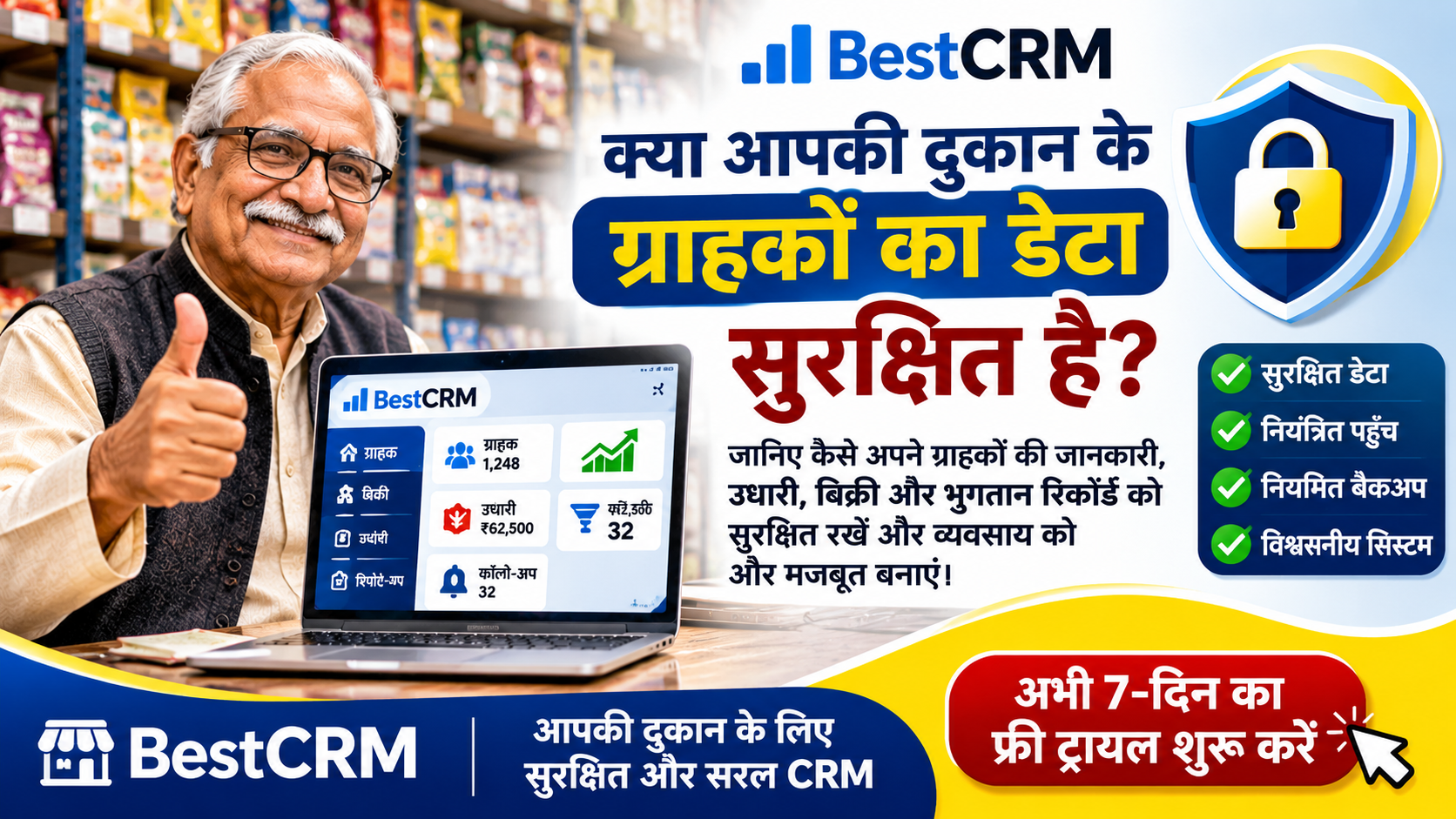
Visit BestCRM's official website and explore its available features and plans. BestCRM offers a 7-Day Free Trial so you can evaluate the service before making a purchase.
Conclusion: Protect Your Customer Trust
Your customers are the foundation of your business. Their information deserves the same attention and care that you give to your shop and money.
Start with simple safety habits. Use strong passwords, protect your devices, maintain backups and choose business software carefully.
Remember: A well-managed business is not just about increasing sales. It is also about protecting customer trust.
Explore BestCRM – Start Your 7-Day Free Trial
BestCRM – Manage Your Customers. Organize Your Business.
```