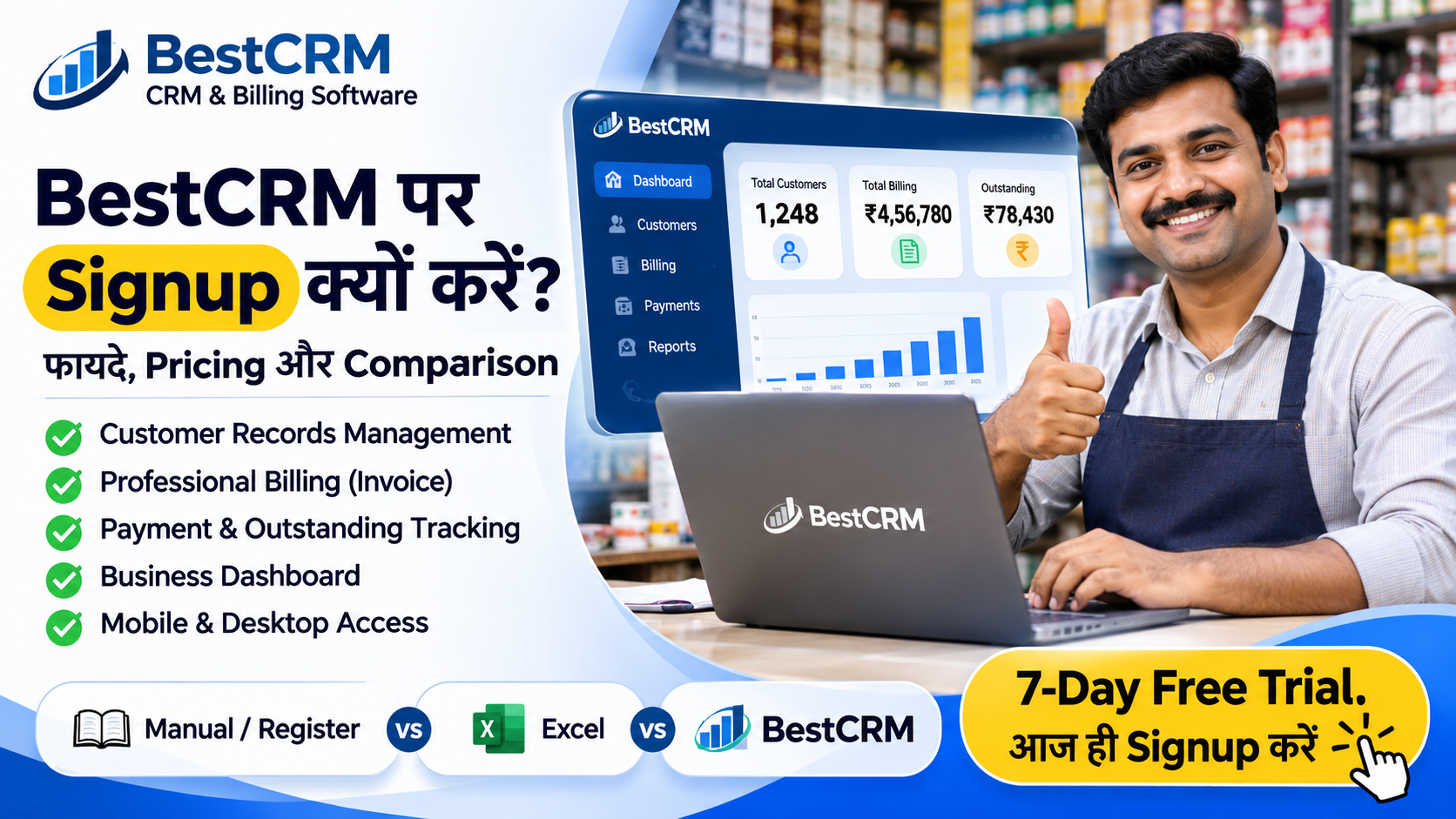
आज के समय में Business को व्यवस्थित तरीके से चलाने के लिए Customer Records, Billing, Payment और Outstanding का हिसाब रखना बहुत जरूरी है। कई दुकानदार और छोटे व्यवसाय अभी भी इन कामों के लिए रजिस्टर, कागज या अलग-अलग Excel Files का उपयोग करते हैं।
जैसे-जैसे Business बढ़ता है, रिकॉर्ड संभालना और सही जानकारी समय पर ढूँढना चुनौतीपूर्ण हो सकता है। ऐसे में BestCRM – CRM & Billing Software आपके Business Management को व्यवस्थित करने का एक विकल्प हो सकता है।
इस लेख में जानिए BestCRM पर Signup करने के फायदे, Manual Management और CRM Software के बीच अंतर, Pricing Plans और 7-Day Free Trial शुरू करने का तरीका।
1. BestCRM क्या है?
BestCRM एक Business Management Platform है, जिसमें Customer Management, Professional Billing, Payment Tracking और Business Dashboard जैसे Tools उपलब्ध हैं। इसका उद्देश्य Business के जरूरी कामों को एक ही Platform पर व्यवस्थित करने में सहायता करना है।
यह Retail Stores, छोटे दुकानदारों, Distributors, Wholesalers और Service Businesses के लिए उपयोगी हो सकता है।
2. BestCRM पर Signup करने के 7 फायदे
1. Customer Records Management
अपने ग्राहकों की जानकारी को व्यवस्थित रूप से Manage करें। जरूरत पड़ने पर Customer Records देखना और संभालना आसान हो सकता है।
2. Professional Billing
Business की Billing प्रक्रिया को व्यवस्थित करें। उपलब्ध Billing Tools की मदद से रोजमर्रा के बिलिंग कार्य संभाल सकते हैं।
3. Payment और Outstanding Tracking
ग्राहकों से मिलने वाले Payment और बकाया राशि का रिकॉर्ड Manage करने में सहायता मिलती है।
4. Business Dashboard
Business से संबंधित उपलब्ध जानकारी Dashboard पर देखकर अपने काम को बेहतर तरीके से व्यवस्थित कर सकते हैं।
5. Mobile और Desktop Access
BestCRM को Mobile और Desktop पर उपयोग करने के लिए बनाया गया है, जिससे अलग-अलग डिवाइस पर Business Management किया जा सकता है।
6. Employee और Multi-Branch Management
व्यवसाय की जरूरत के अनुसार Employee Management और Multi-Branch CRM से संबंधित विकल्प उपलब्ध हैं। Multi-Branch सुविधा की Activation और शर्तें अलग हो सकती हैं।
7. 7-Day Free Trial
नए ग्राहकों के लिए 7-Day Free Trial उपलब्ध है। इससे आप Account बनाकर Software को समझ सकते हैं और अपनी Business जरूरतों के अनुसार उसका मूल्यांकन कर सकते हैं।
3. BestCRM vs Manual Business Management
Manual Register, Excel और CRM Software के बीच अंतर समझना जरूरी है। हर तरीके के अपने फायदे हैं, लेकिन Business के काम बढ़ने पर एक व्यवस्थित Platform उपयोगी हो सकता है।
तुलना Manual / Register Excel BestCRM Customer Recordsहाथ से लिखनाSpreadsheetCRM में व्यवस्थित Billingअलग प्रक्रियाअलग फाइलBilling Tools Payment Recordsरजिस्टरSpreadsheetPayment Tracking Outstandingरिकॉर्ड देखकरFormula / Filterउपलब्ध Tracking Tools Business Dashboardस्वयं तैयार करनास्वयं बनानाDashboard उपलब्ध Mobile उपयोगरजिस्टर पर निर्भरफाइल / ऐप पर निर्भरMobile Friendlyध्यान दें: Excel भी सही तरीके से इस्तेमाल करने पर उपयोगी है। BestCRM उन व्यवसायों के लिए एक विकल्प है जिन्हें Customer Management, Billing और Payment Tracking को एक ही Platform पर व्यवस्थित करना है।
4. BestCRM Pricing Plans
BestCRM के उपलब्ध वार्षिक Plans की जानकारी:
Planवार्षिक कीमत Basic₹777 / Year Standard₹1,377 / Year Premium₹1,977 / Year Gold₹2,977 / YearPlan चुनने से पहले Official Website पर मौजूदा कीमत और प्रत्येक Plan में शामिल सुविधाओं की जाँच जरूर करें।
5. BestCRM पर Signup कैसे करें?
- BestCRM Official Website खोलें।
- Signup या Create Account बटन पर क्लिक करें।
- Shop / Business Name और Owner Name भरें।
- Mobile Number और Email Address दर्ज करें।
- अपना Password बनाएँ और Plan चुनें।
- Create Account & Start 7-Day Trial पर क्लिक करें।
- Account बनने के बाद Login करके Software का उपयोग शुरू करें।
6. BestCRM किसके लिए उपयोगी हो सकता है?
- ऐसे दुकानदार जिन्हें Customer Records व्यवस्थित रखने हैं।
- ऐसे छोटे व्यवसाय जिन्हें Billing Tools की जरूरत है।
- ऐसे व्यापारी जो Payment और Outstanding का रिकॉर्ड Manage करना चाहते हैं।
- ऐसे Businesses जो Customer Management और Billing को एक Platform पर लाना चाहते हैं।
7. Frequently Asked Questions
Q1. क्या BestCRM पर Free Trial उपलब्ध है?
हाँ, BestCRM पर 7-Day Free Trial उपलब्ध है।
Q2. Signup के लिए क्या जानकारी चाहिए?
Business Name, Owner Name, Mobile Number, Email Address और Password की आवश्यकता होती है।
Q3. क्या BestCRM Mobile पर इस्तेमाल किया जा सकता है?
हाँ, BestCRM को Mobile और Desktop दोनों पर उपयोग करने के लिए बनाया गया है।
Q4. BestCRM का Basic Plan कितने का है?
दिखाई गई वार्षिक Pricing के अनुसार Basic Plan ₹777 प्रति वर्ष है। नवीनतम कीमत Official Website पर जाँचें।
Q5. क्या BestCRM केवल दुकानदारों के लिए है?
नहीं, Customer Management और Billing की जरूरत वाले विभिन्न प्रकार के छोटे और बढ़ते Businesses इसका मूल्यांकन कर सकते हैं।
आज ही BestCRM का 7-Day Free Trial शुरू करें!
अपने Business के Customer Records, Billing और Payment Management को व्यवस्थित करने की शुरुआत करें। BestCRM को खुद इस्तेमाल करके देखें और अपनी जरूरतों के अनुसार निर्णय लें।
Create Account & Start Free TrialBestCRM – Manage Customers. Simplify Billing. Grow Your Business.